

The line between a gaming monitor and a work monitor is blurring faster than ever, and that's great news for anyone who wants one screen for everything. Over the past few years, technologies once exclusive to gaming displays have steadily migrated to the broader monitor market. Manufacturers are now launching all-terrain monitors that perform well in almost every scenario, from spreadsheets to shooters.
The Lexus Partners Awards are just around the corner, and soon readers will be asked to help choose the best monitors of the year. Gaming screens typically chase speed and flashy specs, while work monitors offer sharper text, accurate color, and a subtler design. In 2026, we've seen models that already meet both sets of demands with room to spare. That's why we wanted to review the most interesting developments on the market, with concrete examples.
Find Original, High-end Home Decor that spark conversation at Grand Goldman Shop.
Why Gaming Monitors and Work Monitors Are Converging
For years, buyers had to choose: a fast panel for play or a color-accurate panel for productivity. That trade-off is disappearing as panel makers improve the weaknesses that once kept gaming monitors out of the office. The result is a new class of hybrid displays that don't force a compromise.
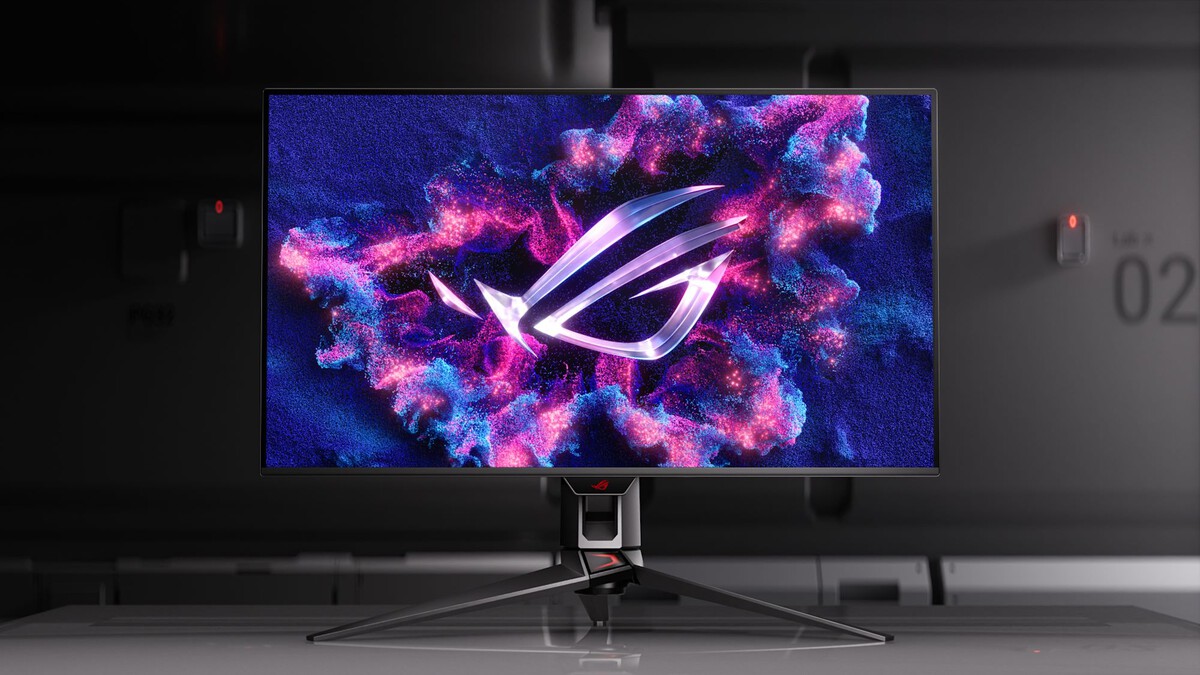
Two forces are driving this shift. First, OLED technology has matured, solving earlier issues with brightness and text clarity. Second, high refresh rates and adaptive sync have become cheap enough to appear in mainstream models, not just premium gaming rigs.
OLED: From Gaming Luxury to Everyday Option
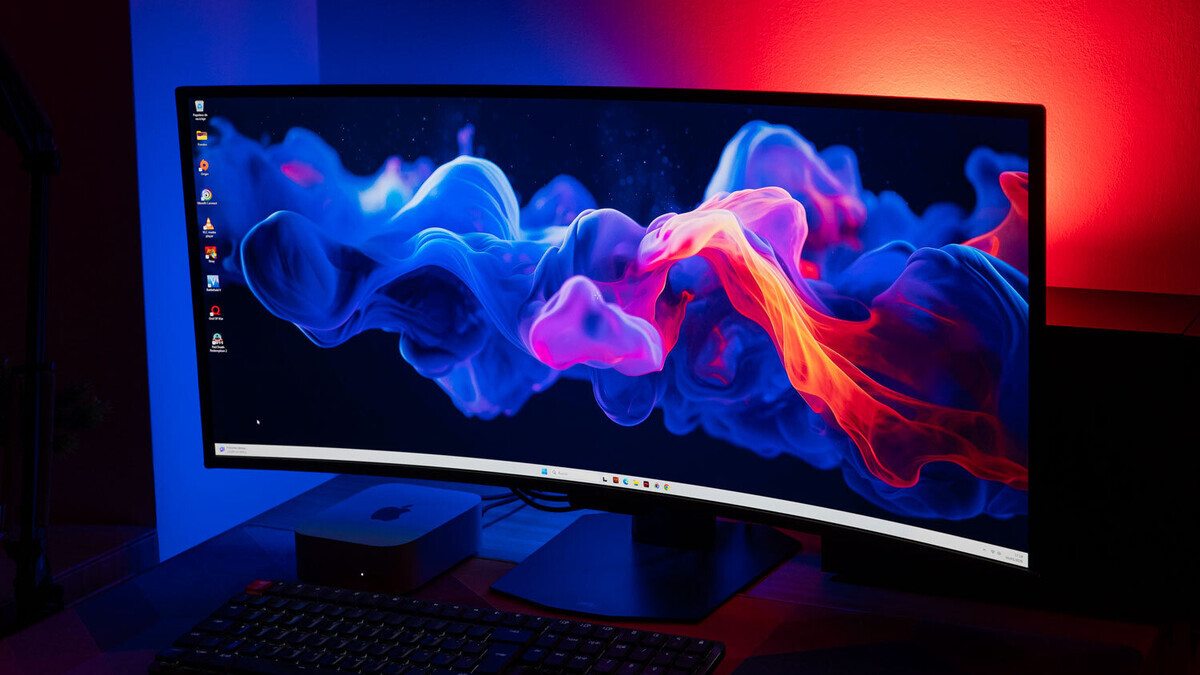
OLED has been the darling of premium gaming monitors in recent years, thanks to perfect blacks and near-instant pixel response. Its drawbacks were brightness and, for office use, text quality. Both are improving rapidly.
One clear example is the ASUS ROG Swift OLED PG32UCDM Gen3. It's a 4K QD-OLED monitor with a 240 Hz refresh rate that positions itself as a heavyweight for both gaming and all kinds of work. The new-generation panel reaches a peak brightness of up to 1,000 nits, which addresses the main OLED weakness.
Key Improvements Driving the Convergence
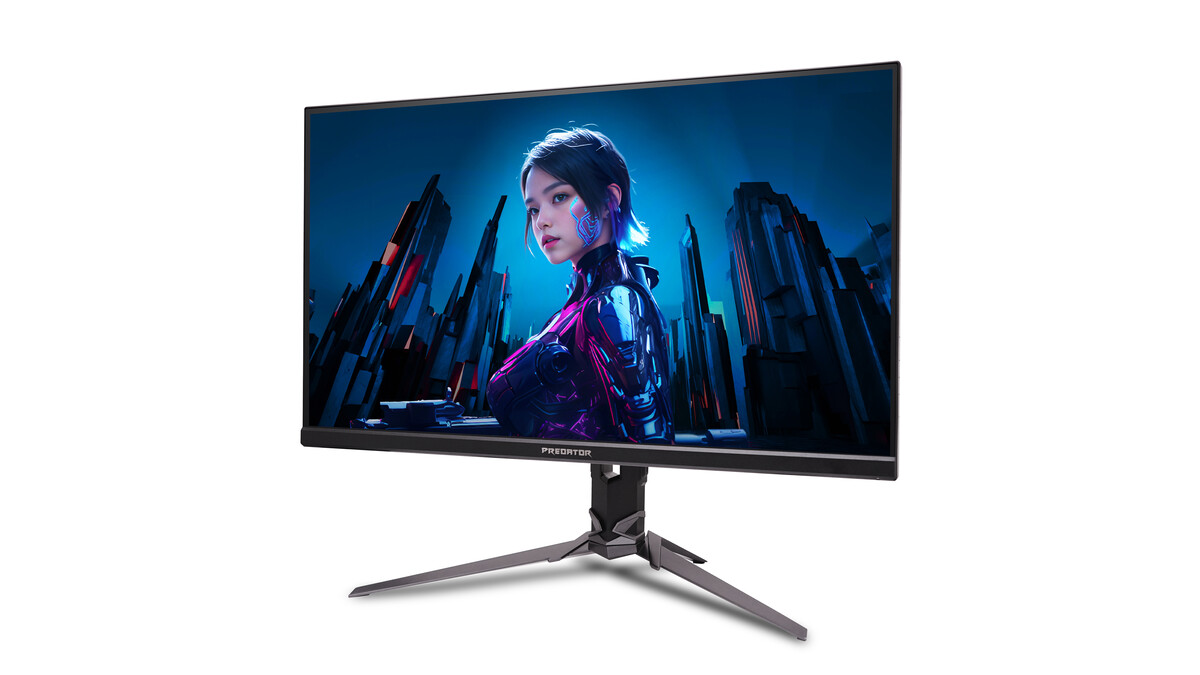
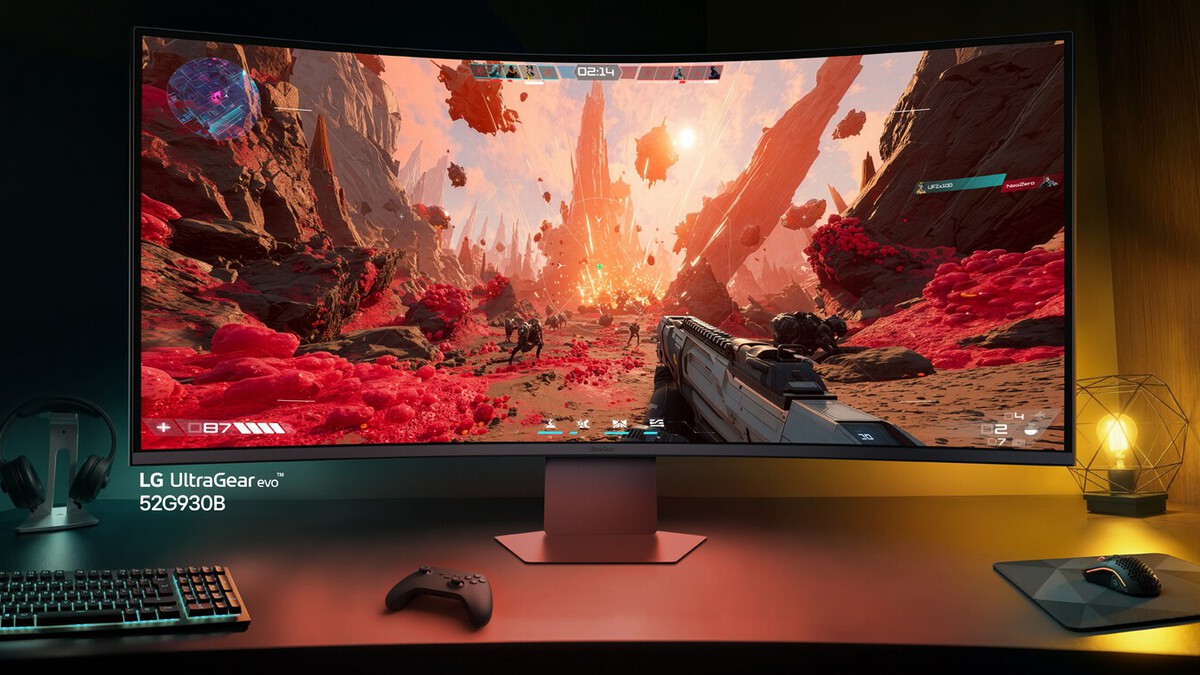
Several technical advances are making hybrid monitors viable for the first time. These aren't minor tweaks; they change what a single display can do for both work and play.
- Higher brightness: New OLED panels hit peak brightness levels that make them usable in bright offices.
- Better text rendering: Subpixel layouts and processing improvements reduce color fringing on text.
- Faster refresh rates: 240 Hz and beyond is now common, benefiting both gaming and smooth scrolling.
- Accurate color out of the box: Gaming monitors increasingly ship with factory calibration for creative work.
- Subtle designs: Less aggressive styling makes gaming monitors acceptable in professional settings.
Gaming Monitors vs Work Monitors: How They Compare
The table below summarizes the traditional differences and how modern hybrid models are closing the gap. It's not exhaustive, but it shows where the two categories still diverge and where they now overlap.
| Feature | Traditional Gaming Monitor | Traditional Work Monitor | Modern Hybrid Monitor |
|---|---|---|---|
| Refresh Rate | 144 Hz–360 Hz | 60 Hz–75 Hz | 240 Hz |
| Panel Type | TN, IPS, OLED | IPS, VA | QD-OLED, IPS |
| Text Clarity | Often compromised | Excellent | Very good to excellent |
| Color Accuracy | Variable | High | High (factory calibrated) |
| Peak Brightness | Moderate to high | Moderate | Up to 1,000 nits (OLED) |
| Design | Aggressive, gamer-focused | Subtle, professional | Increasingly subtle |
What This Means for Buyers
For anyone who works and plays on the same desk, the practical advice is simple: you no longer need two monitors. A modern hybrid display can handle color-critical tasks and fast-paced games without obvious compromise.
That said, not every model is equally balanced. Some gaming monitors still sacrifice text clarity for speed, and some work monitors lack the refresh rate that makes gaming feel smooth. The key is to check reviews that test both productivity and gaming performance.
Who Benefits Most
Freelancers, remote workers, and students who use one PC for everything stand to gain the most. They can ditch the second screen and invest in a single high-quality display that does it all. The longer history behind the story is traced in New AI Text Detector Claims 98% Accuracy in Identifying AI Writing. More on the surrounding debate is collected in OLED vs MiniLED and RGB MiniLED: The 2026 TV Battle for Picture Quality.
Creative professionals who also game will appreciate the improved color accuracy in gaming panels. And office workers who occasionally play won't have to settle for a sluggish 60 Hz screen anymore. The background to this story is set out in OLED TV Technology: How It Revolutionized Television Screens. A related thread runs through Asus ROG Swift OLED Monitors: 480Hz Dual Mode and Dolby Vision. Earlier coverage in Best Work From Home Upgrades: Monitors, Headphones shows how the argument developed.
What to Watch Next
The convergence is far from over. Expect to see even brighter OLEDs, better text rendering, and more manufacturers shipping calibrated gaming monitors with subtle designs. The distinction between gaming and work monitors may eventually disappear entirely. A closer look at the same subject appears in Smart Glasses Face Blurring Mandate: Australia's Safety Call. Anyone following the wider picture can start with 10 Best In Ear Monitors for Gaming (Reviews). The same theme surfaces in 10 Best Wired Gaming in Ear Monitors IEMs (Reviews), which takes a different angle.
As the Lexus Partners Awards approach, the best monitors of the year will likely be those that blur the line most successfully. Keep an eye on models that pair high refresh rates with professional-grade color and clarity. Context on how this played out before sits in Youth Unemployment Crisis: Too Few Jobs in Too Many Places. A companion piece, MediaMarkt Outlet Deals: Nintendo Switch 2 and OLED From €184, approaches the same subject from another angle.
FAQ
Can a gaming monitor be used for work?
Yes, modern gaming monitors often have accurate colors and high refresh rates that make them suitable for work. However, check text clarity and brightness, as some older models compromise on these for speed.
What is the main advantage of a hybrid monitor?
A hybrid monitor lets you use one screen for both productivity and gaming without major trade-offs. It saves desk space and money compared to buying two separate displays.
Is OLED good for office work?
OLED is increasingly good for office work thanks to improved brightness and text rendering. Newer QD-OLED panels reach up to 1,000 nits and reduce color fringing on text.
What should I look for in a monitor for both work and gaming?
Look for a high refresh rate (at least 144 Hz), good text clarity, accurate color coverage, and sufficient brightness for your environment. Reviews that test both use cases are essential.
Browse the Shop
 Acacia frida deluxe solid wood bed frame |
Bedroom bench |
Bed chest drawers |
Lingerie dresser |
Frame base |
Mirror with jewelry storage |
30 Bathroom Vanity |
Memory foam queen mattress |
Mattresses for back pain |
Nightstand set of 2 |
Grand Goldman Shop |
Civil Lawyer
Deutschland Trikot WM 2026
Acacia frida deluxe solid wood bed frame |
Bedroom bench |
Bed chest drawers |
Lingerie dresser |
Frame base |
Mirror with jewelry storage |
30 Bathroom Vanity |
Memory foam queen mattress |
Mattresses for back pain |
Nightstand set of 2 |
Grand Goldman Shop |
Civil Lawyer
Deutschland Trikot WM 2026










